PickSavvy Lab breakdown · Design tool
ClickDesigns X: drag-and-drop graphics and 3D product mockups in your browser
A cloud design tool for covers, box shots, ads and social graphics, with a 3D studio that wraps a flat design onto a product model. Here is what the sales page lists, and what to check before you buy.
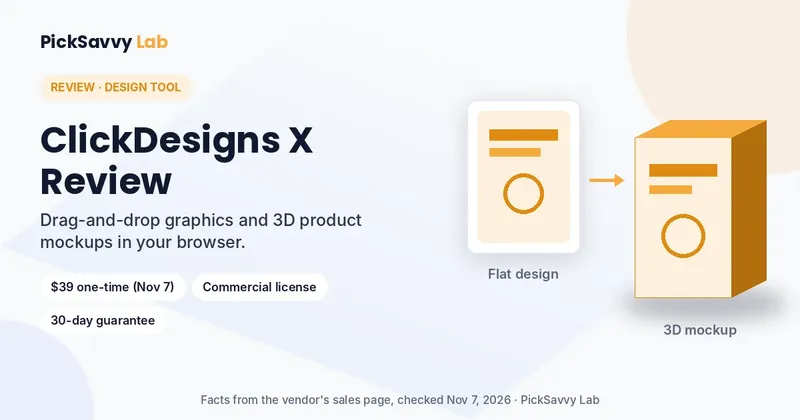
- $39 one-time when we checked
- Commercial license
- 30-day money-back guarantee
- Mac, Windows, Chrome
Free bonus from PickSavvy Lab
Free bonus when you buy through our link: Holiday Shop Design Pack
Our own PDF pack, made to use alongside ClickDesigns X. Not made or supported by the vendor.
- 20 holiday text-layout ideas with wireframes and exact sizes
- 8 holiday color palettes with checked contrast, plus PNG palette cards
- 15 social caption templates and a mockup shot checklist
Bonus terms: Buy through our link and JVZoo delivers this bonus automatically in your JVZoo purchase area right after checkout. Refunded orders lose access to the bonus.
Opens the official ClickDesigns X page (affiliate link). Final price is shown at checkout.
What it does
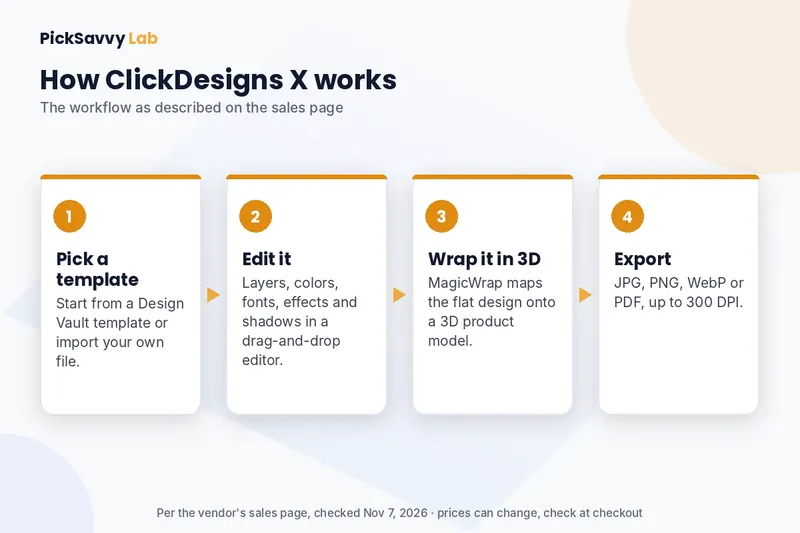
ClickDesigns X is a hosted, point-and-click editor. You start from a done-for-you template or your own file, edit layers, colors, fonts and effects, then export. Its 3D Product Studio and 1-Click MagicWrap place a flat design onto 3D models such as book and software covers, laptops, phones, supplement tubs and bottles. There is nothing to install; you log in from macOS, Windows or Chrome.
5 features from the sales page
- Design Vault templatesThousands of done-for-you templates for sales pages, ads, social posts, eBook covers, lead magnets, thumbnails, flyers, business cards and more. The page does not give an exact count.
- 3D Product Studio and 1-Click MagicWrap360° spin, tilt and zoom with lighting, blur, shadow and material finishes. MagicWrap maps a flat design onto a 3D product model in several perspectives.
- Full drag-and-drop editorLayers, alignment, cropping, multi-canvas pages, and control over colors, backgrounds, typography, effects and shadows. Import your own designs, PDFs, logos and photos.
- Export up to 300 DPIDownload as JPG, PNG, WebP or PDF, up to 300 DPI.
- Stock assets and integrationsThousands of fonts, 3D elements and icons, millions of royalty-free stock photos, plus integrations with GoHighLevel, Convertri, ProductDyno and Groove.cm.
Pros and cons
What we like
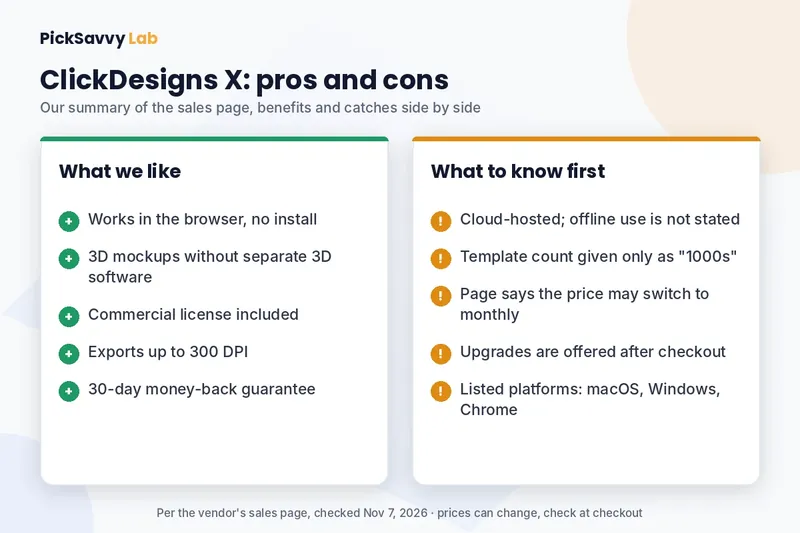
- No design skills or install needed; works in the browser
- 3D mockups and box shots without separate 3D software
- Commercial license, and you own what you create
- Print-friendly exports up to 300 DPI
- 30-day money-back guarantee
What to know first
- Cloud-hosted; the page does not say it works offline
- Template count is described as "1000s", not an exact number
- The page says the one-time price can switch to a monthly subscription, and mentions both $67 and $97 a month as later prices
- Upgrades are offered after checkout
- Supported platforms listed: macOS, Windows and Chrome
Who it's for, and who should skip it
Good fit if you
- Sell digital products and need covers, box shots or mockups
- Make your own ads, thumbnails and social graphics
- Design for clients and need a commercial license
Skip it if you
- Already have a design tool and a mockup workflow you are happy with
- Need to work offline
- Want a full photo editor or illustration app
Price and guarantee
| Front end | $39 one-time on the sales page on November 7, 2026, shown as reduced from $67. The checkout shows the final price. |
|---|---|
| Monthly fees | None at this price, per the page. It says the offer may switch to a monthly subscription. |
| Included | Commercial license, Design Vault templates, 3D Product Studio, training |
| Guarantee | 30 days. Contact support; your account is deactivated and you get your money back. |
| Checkout | Through JVZoo |
A bundle with extra modules is sold separately. The bundle's own page lists what it includes.
Our take
If you regularly need covers, mockups and marketing graphics, ClickDesigns X puts templates and a 3D mockup studio in one browser tool for a one-time price. Check the price at checkout, since the page says it can change to a subscription, and remember the 30-day guarantee if it does not fit your workflow.
See ClickDesigns X on the official pageAffiliate link. We may earn a commission at no extra cost to you.
Want the bigger package? See the ClickDesigns X Bundle (affiliate link).
Affiliate disclosure & privacy policy · About · Free Holiday Content Kit